Go back
Turning Weather Uncertainty into a 2.5% Boost in Conversion
Introduction
Key Facts
Audience: 17.7m passengers flew with Jet2 in 2024
Goal: To increase conversion rate and step progression in the booking path for winter bookings on Jet2holidays.
My role: Led UX discovery, prototyping, usability testing, and cross-functional alignment across the CRO team.
Timeline: 3 months
The Problem
During winter months, users browsing beach destinations showed lower progression and conversion rates on the search results page.
Engagement remained high, which suggested the issue was not lack of interest but hesitation during decision making.
Research indicated that users were uncertain about weather conditions for winter destinations and were often leaving the site to check weather elsewhere.
This disrupted the booking journey and increased abandonment at a critical comparison stage. This created an opportunity to reduce friction, increase progression, and improve winter conversion on the search results page.
Discovery
I formed the hypothesis that "Displaying relevant weather information directly in search results would increase confidence and progression by reducing the need for external research."
Quantitative Validation
Analysis of Quantum Metric data showed:
Strong engagement on the search results page
Noticeable drop off during the comparison stage
This indicated friction in decision making rather than low intent.
Qualitative Validation
Questionnaires and usability testing revealed:
60% of users said weather was very important when booking holidays
Many users checked external weather websites before committing
Weather influenced booking decisions, not just inspiration
Competitor Analysis
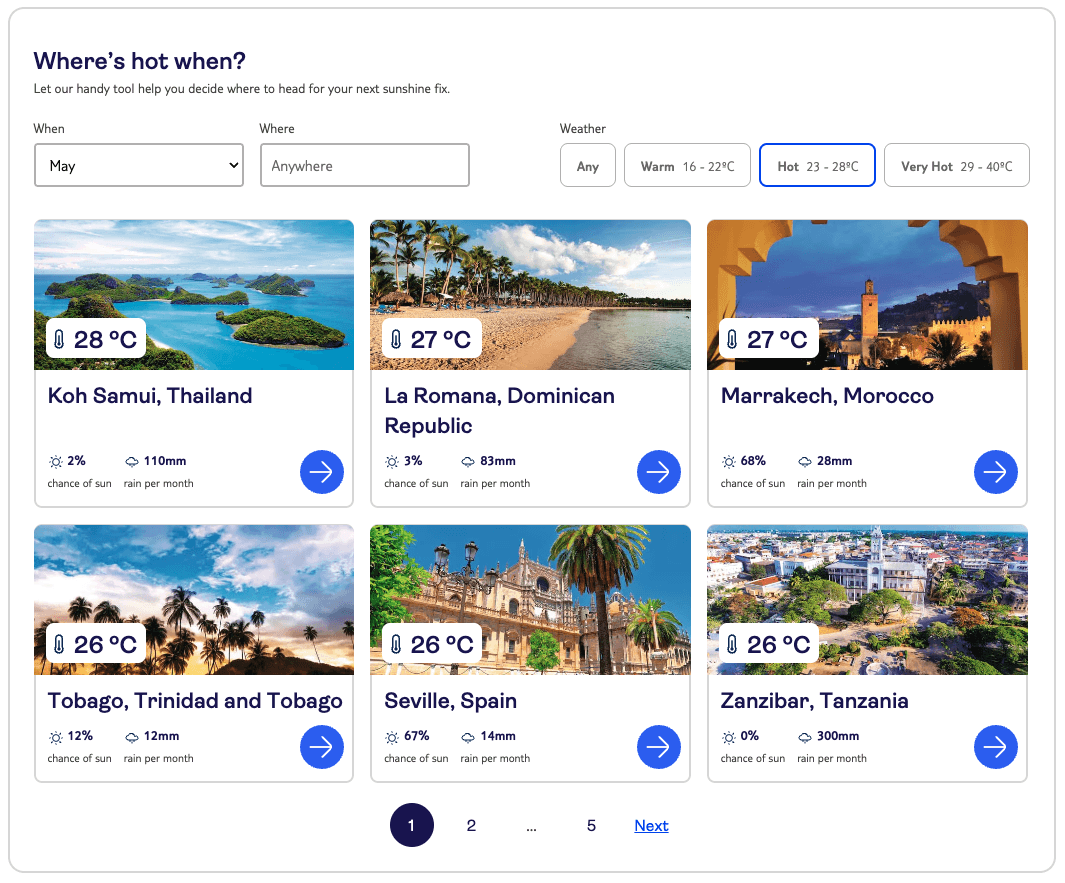
Competitors such as TUI surfaced weather information in inspirational contexts like “Where’s Hot When?”, but not within the comparison stage.
This presented an opportunity to introduce weather information at a more critical decision point.
Together, these insights validated that embedding weather information into search results could reduce friction and improve progression.
Design Decisions
After validating the problem, I focused on three key questions:
What weather information actually influences decisions?
How should it be presented for quick comparison?
Where should it sit on the search results page?
User research showed a clear hierarchy of weather information:
Average temperature
Sunshine hours
Rainfall days
Users did not want detailed forecasts, just quick, scannable data to support comparison. Because the search results page is comparison heavy, I prioritised scannability over descriptive content.
Icon supported designs performed better than text heavy versions and reduced cognitive load. Emphasising the raw data rather than descriptive summaries made side by side comparison easier.
Placement testing showed that placing the component near filters reduced visibility, while integrating it alongside search cards made the information immediately actionable during comparison.
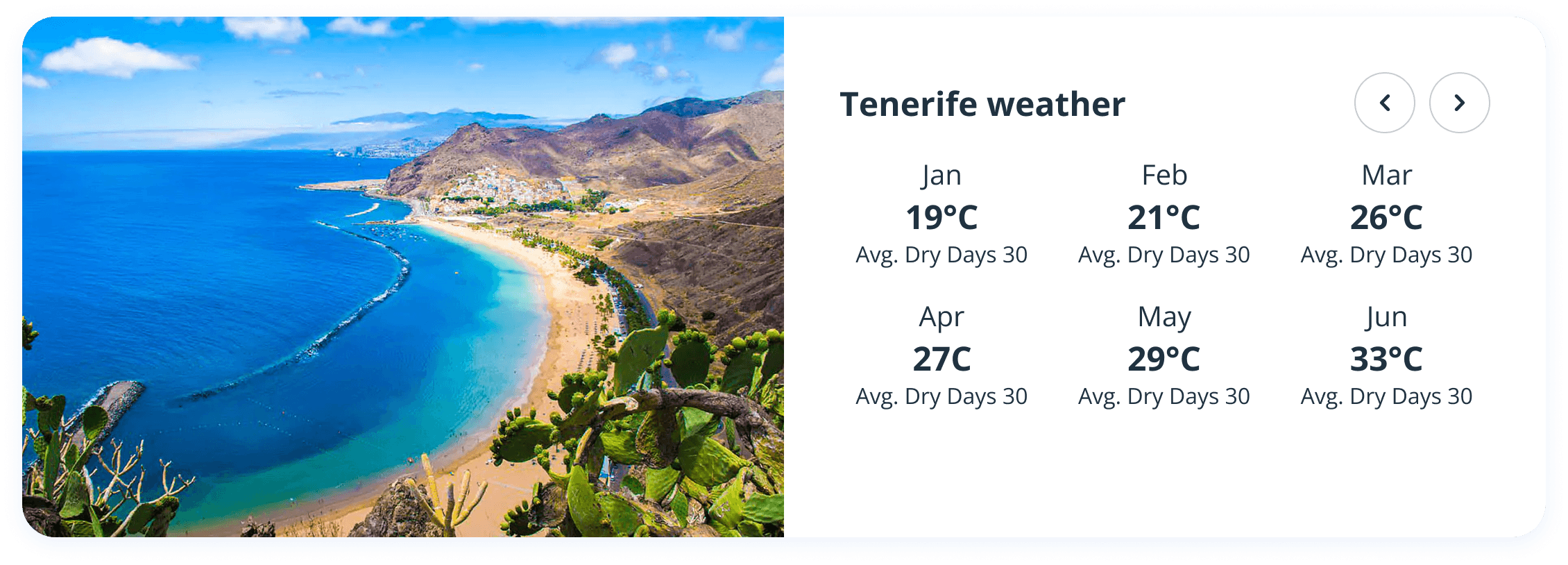
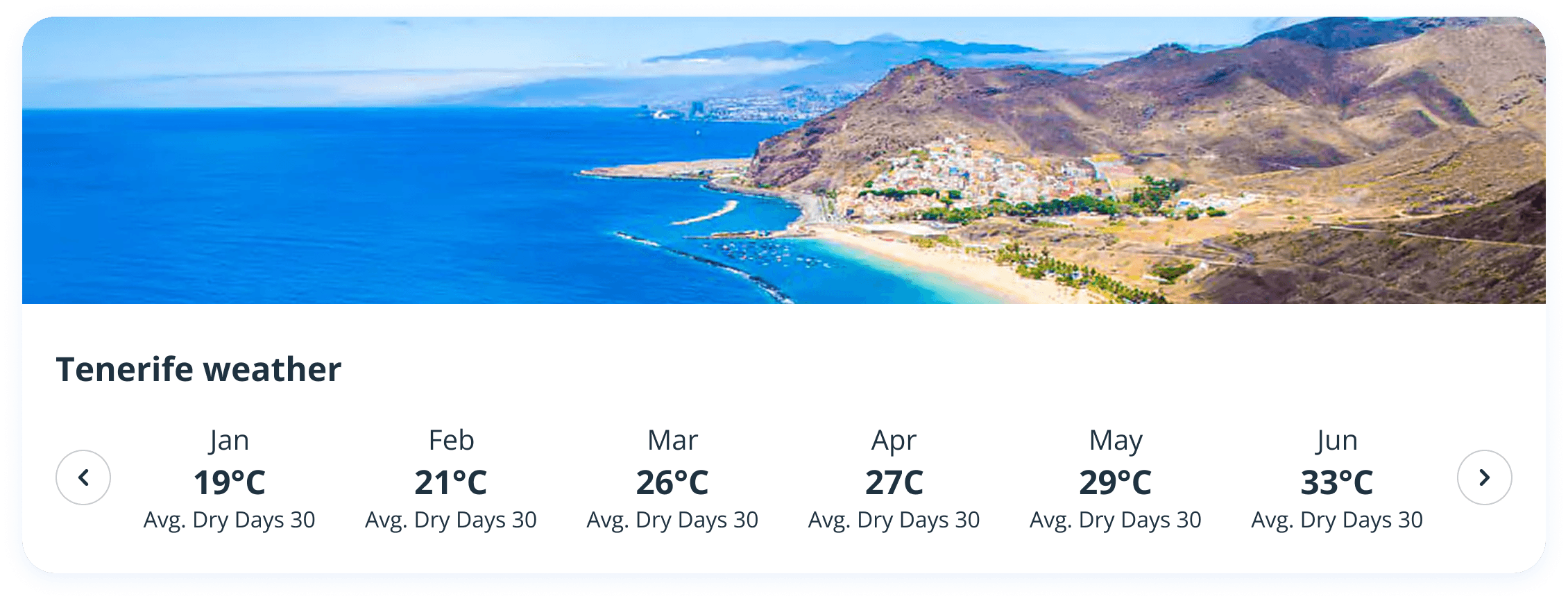
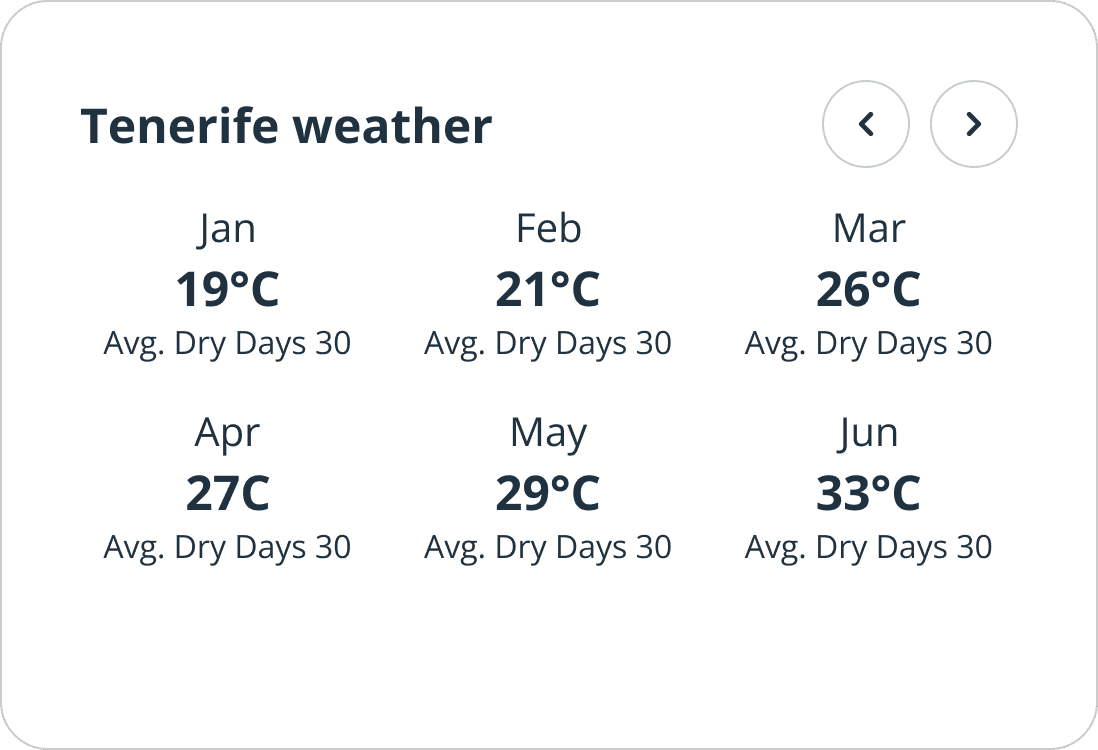
The Fried Egg Affair
You're probably baffled at that title, but let me explain.
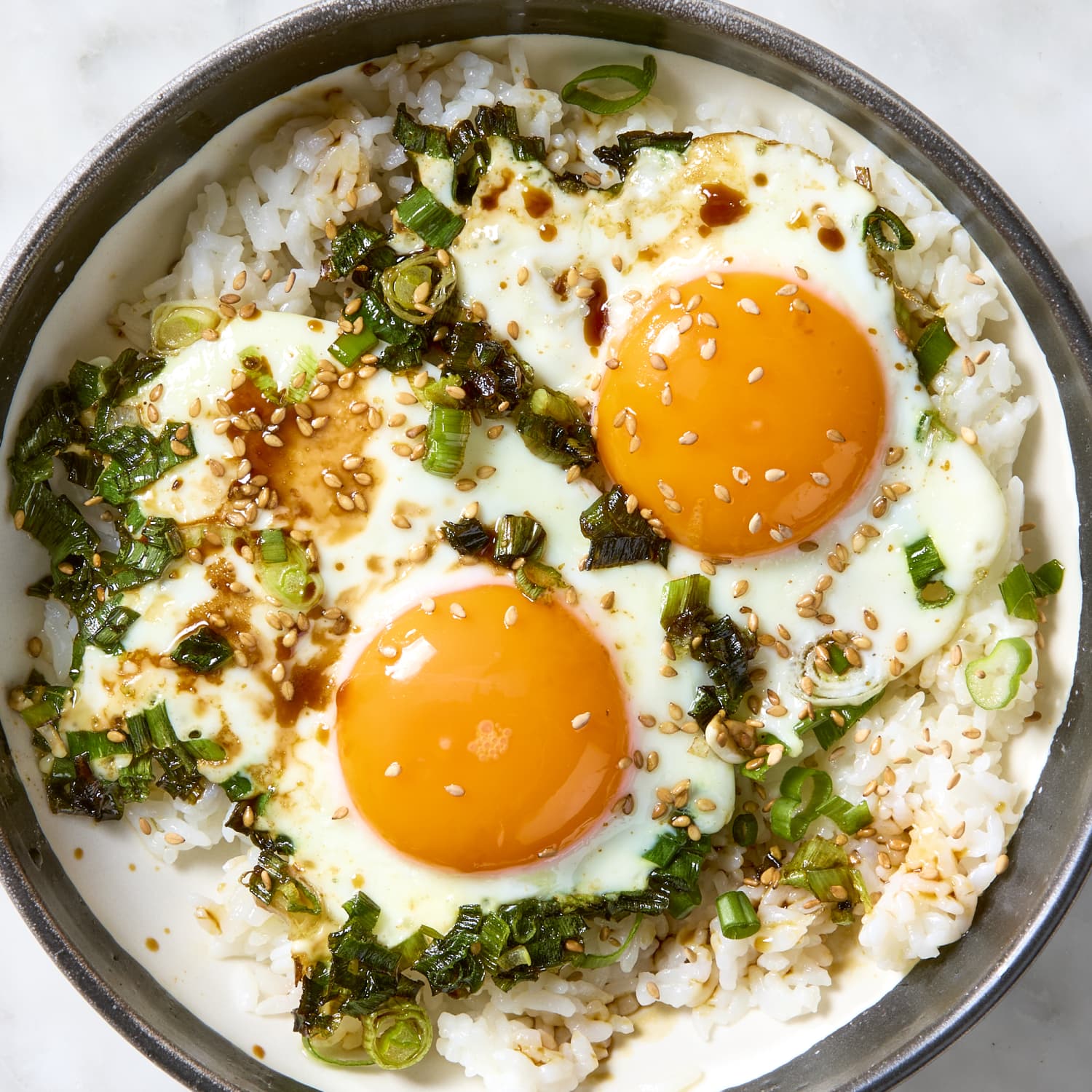
When coming up with the visuals for the component, I introduced a flat, stylised sun icon to modernise the UI. In testing, one user referred to it as a fried egg. This made me laugh, but also realise that recognition and clarity was being sacrificed for trends which weakened trust in the component.
I replaced it with a more universally recognisable sun icon, similar to that used on the BBC. It was a small change, but an important (and funny) reminder that usability and familiarity is always more important than aesthetics and designing for designers.
Constraints
Final Design
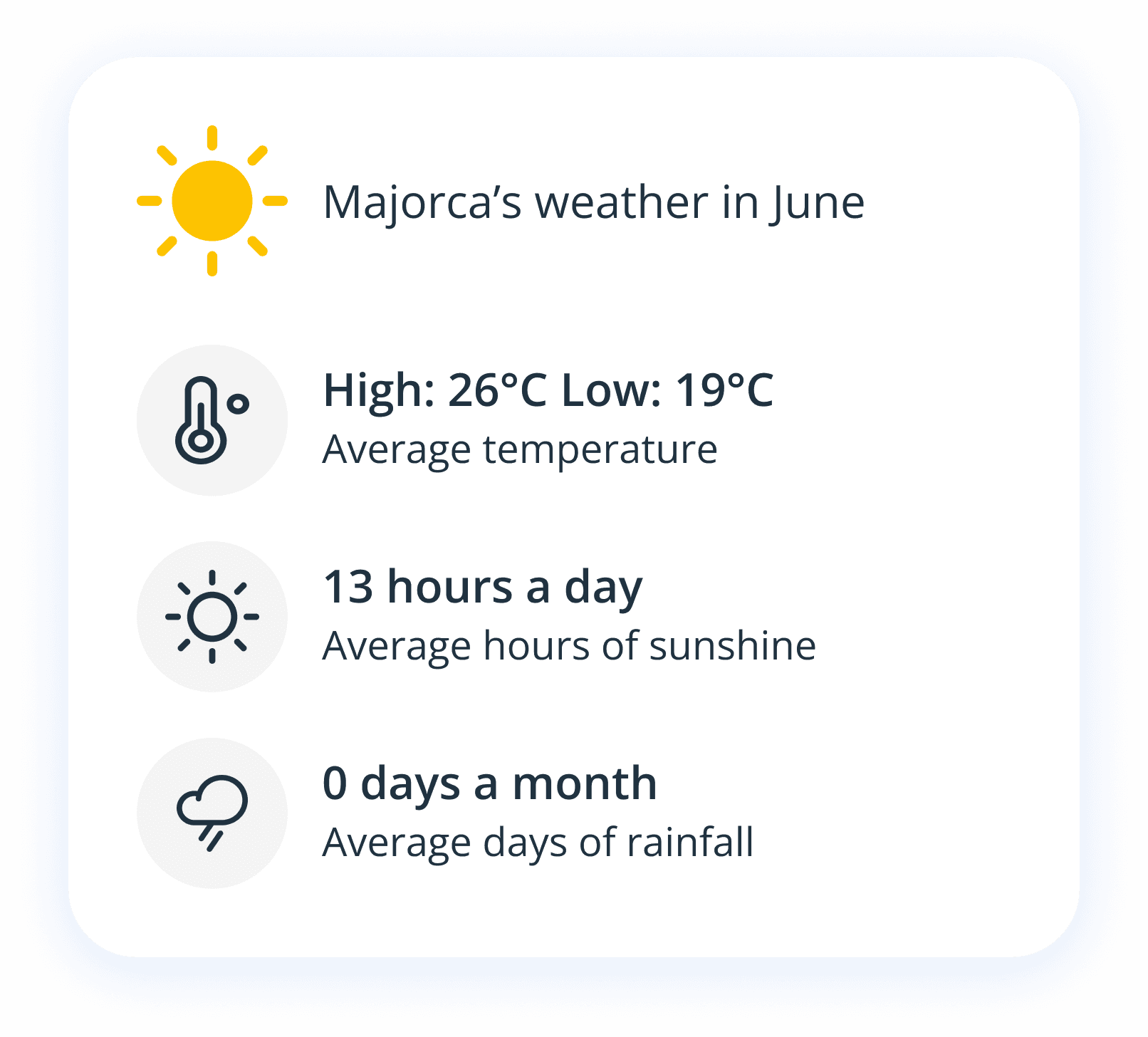
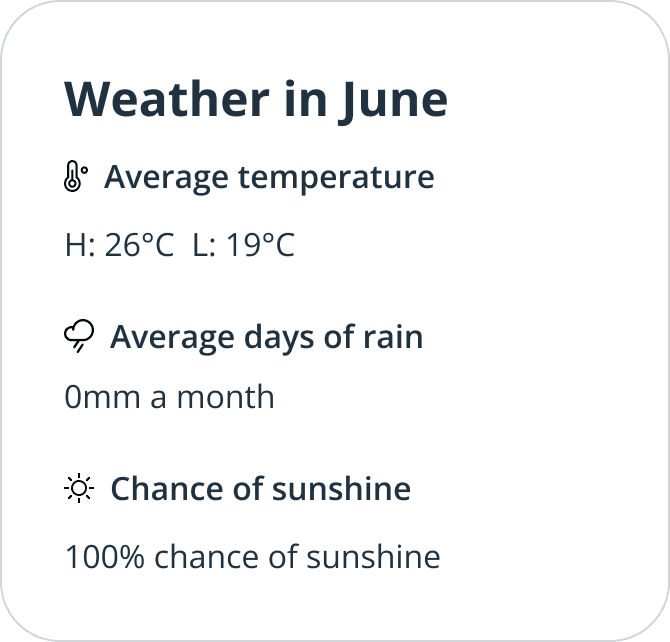
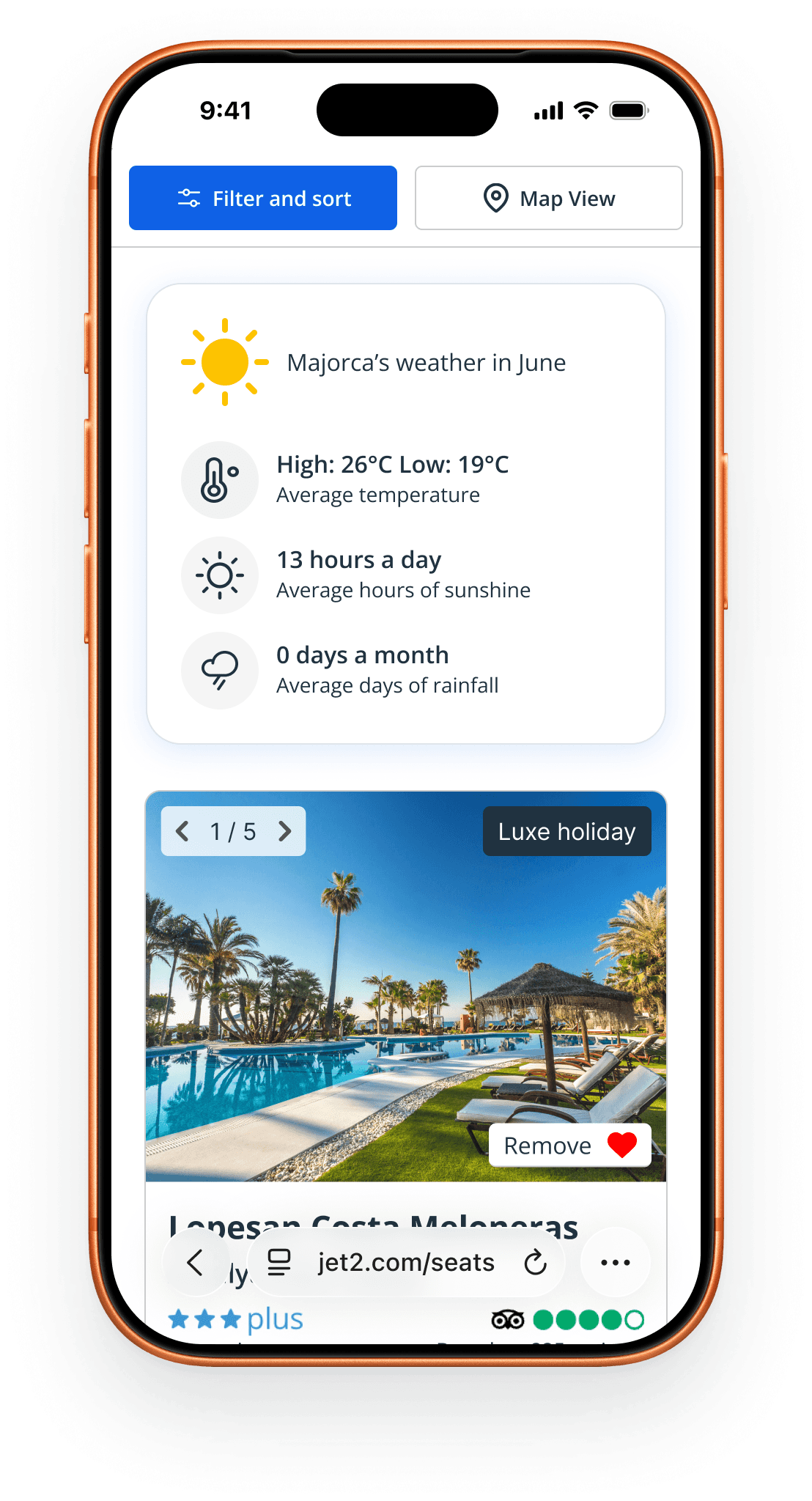
The final component displays:
Monthly average temperature highs and lows
Average hours of sunshine in a day
Days of rainfall a month.
The component lives three search cards down on the results page. The copy is bite sized and icon lead keeping cognitive load low and enabling quick comparison / scannability for the user.
Outcome
The weather component reduced uncertainty during the comparison stage and improved decision confidence during winter holiday searches.
Impact:
+2.5% monthly winter conversion
+1% session conversion
+2% overall bookings
This demonstrated that small, well placed information improvements at key decision points can have measurable commercial impact.
Key Learnings
I learned about balancing information density with readability. I had to figure out how to design a component in a way that struck the balance between being digestible but also communicating everything users needed which was harder than first thought.
This project reinforced the importance of designing for comparison behaviour and how to do so by making information as digestible as possible.
I was humbled very fairly with the fried egg affair; I learned the importance of usability over trendy designer-centred design,
Next Steps
Future iterations could involve a calendar toggle to allow easier weather comparison between months where the component could be utilised in an inspirational manner on the homepage or holiday details page where testing suggested demand for weather info as well.
More customisation options including switching destinations and perhaps options for more detail as well, though investigation would be needed to garner interest.
Get in touch
Do you have a cool project that you're dying to discuss, maybe you want to talk about design or why Rubber Soul is the best Beatles album?
Send a wee message below and let's come together (ha get it,) to see how I can help breathe some life into your digital products with focussed and functional design.